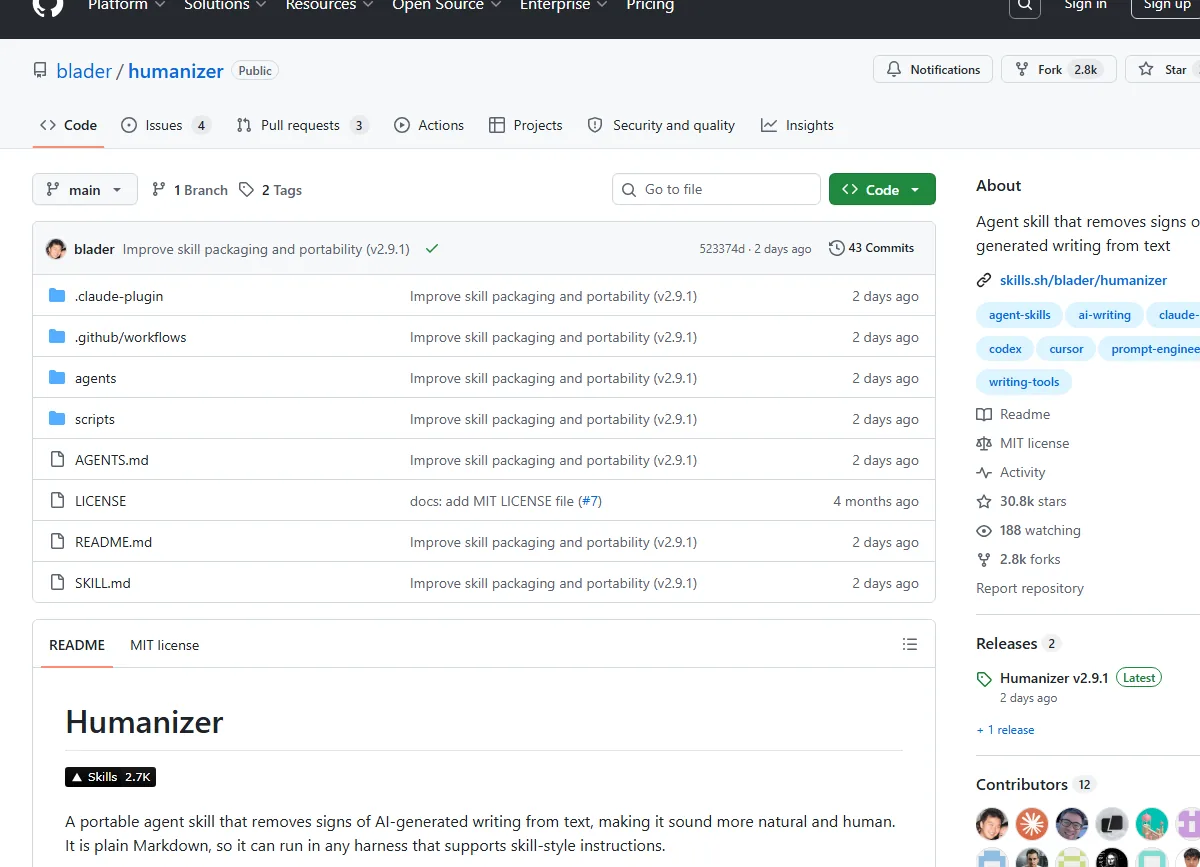
Humanizer is a plain-Markdown agent skill that strips the unmistakable stench of AI-generated prose from your text. It’s open-source, harness-agnostic, and surprisingly effective — provided you’re willing to let your own voice do the heavy lifting.
The first time I realized AI had a tell
It was late 2023. I’d just received a draft from a colleague who swore they’d written it themselves. The topic was solid. The structure was clean. But something nagged at me — a faint, metallic aftertaste that I couldn’t quite place. Every sentence felt… too balanced. Each paragraph hit its mark like a well-drilled soldier marching in lockstep.
I ran the text through a few detectors. They came back inconclusive. But I knew. You probably knew too, even if you couldn’t articulate it.
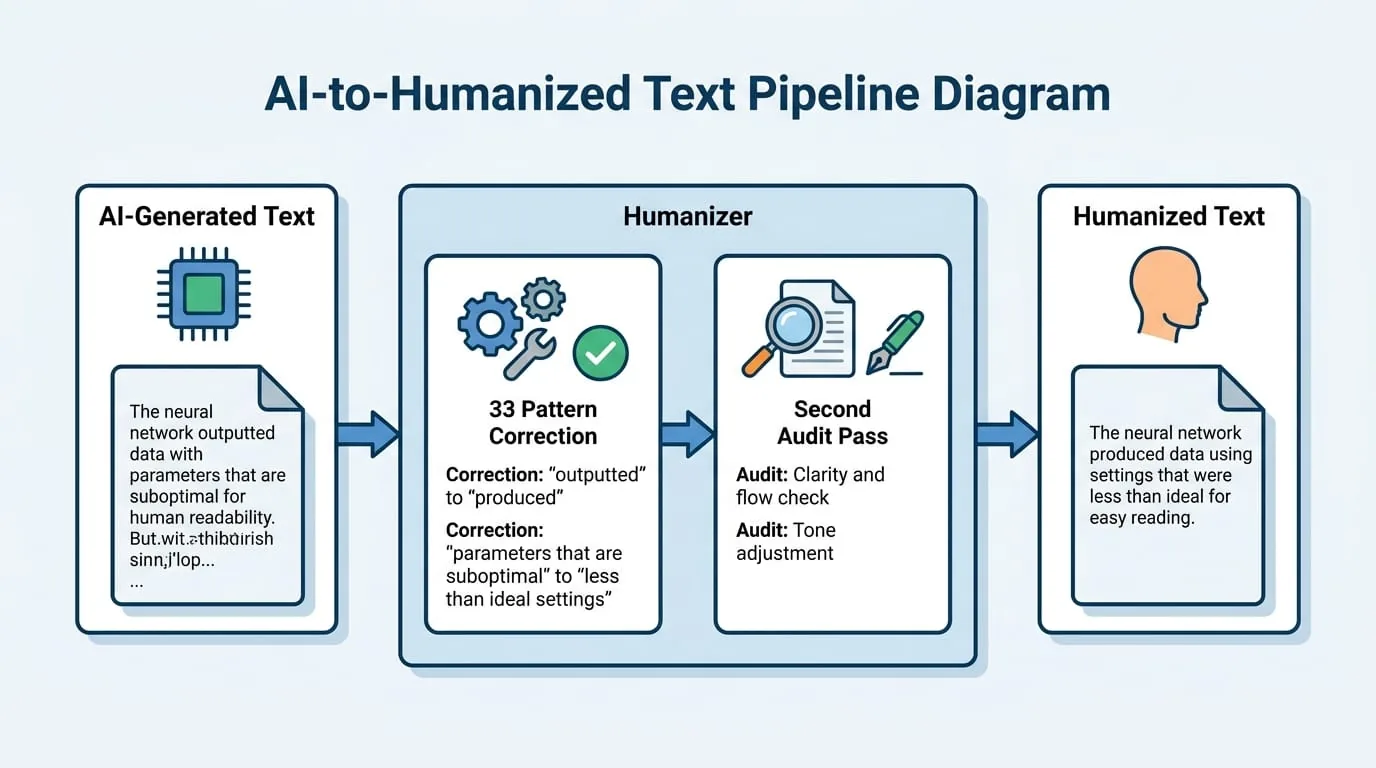
Fast-forward to 2026, and the problem has only gotten worse. LLMs have gotten scarily good at mimicking human patterns — right up until they drop a “pivotal moment” or an “interconnected web of innovation.” The statistical middle ground leaks through. Wikipedia’s “Signs of AI writing” guide, maintained by WikiProject AI Cleanup, catalogues 33 recurring tells. And that’s exactly what Humanizer is built on.
What Humanizer actually does (and doesn’t)
Let’s get one thing straight: Humanizer is not a “make my text undetectable” tool. It won’t trick a forensic AI detector — if that’s your goal, you’re better off rewriting by hand. What it does is far more honest: it takes text that reads like it was generated by a language model and reshapes it until it reads like it was written by a person. A fallible, slightly inconsistent, rhythmically varied person.
It’s a skill — not a standalone app. You install it into an agent harness (Claude Code, any other skill-supporting agent) and invoke it with a simple /humanizer command. The runtime artifact is just a single SKILL.md file, plain Markdown. That’s it. No dependencies, no Python environment, no API calls. Just a set of instructions that any agent can follow.
The core insight comes straight from Wikipedia: “LLMs use statistical algorithms to guess what should come next. The result tends toward the most statistically likely result that applies to the widest variety of cases.” In other words, AI defaults to bland correctness. Humanizer’s job is to inject the deliberate clumsiness of a real writer.
The 33 patterns that give AI away
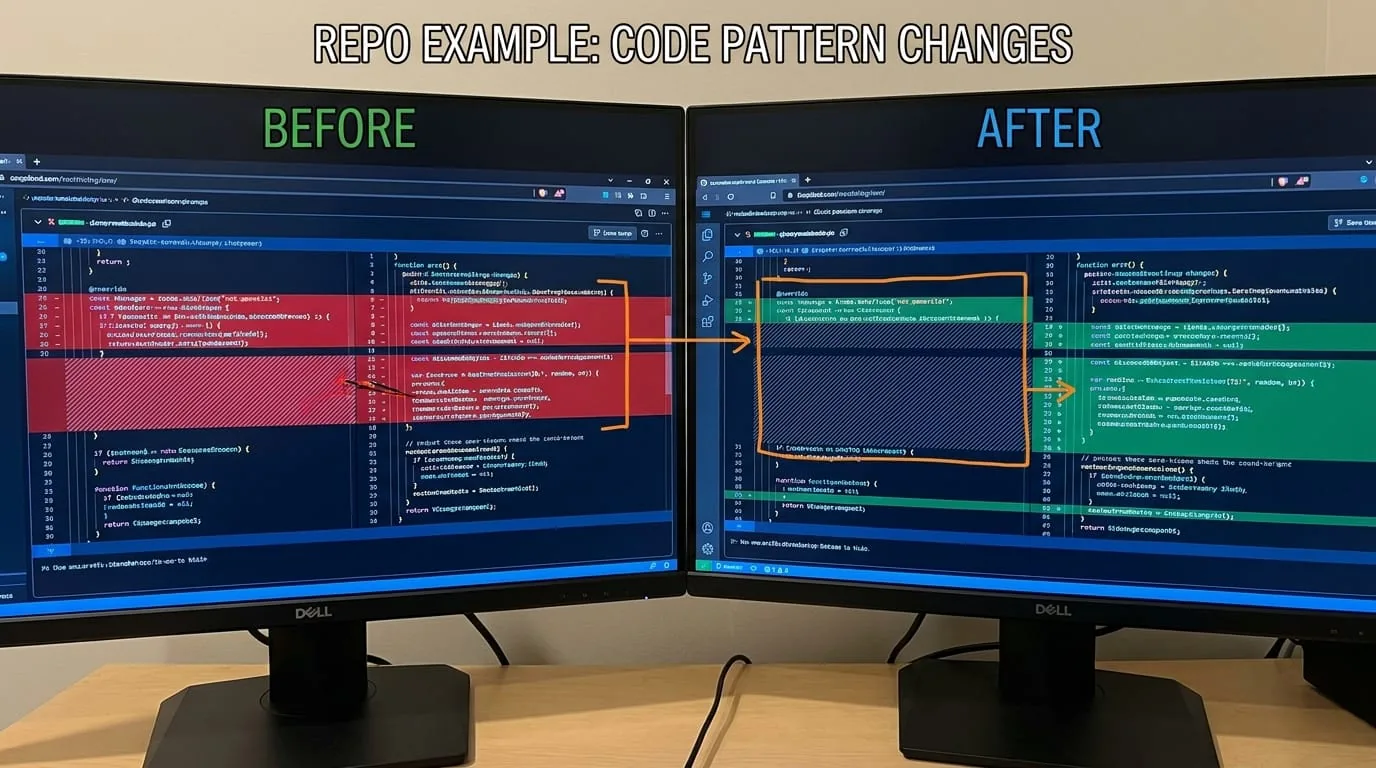
Now here’s where it gets interesting. The skill codifies 33 distinct patterns, each with before/after examples straight from the repo. I won’t list them all (the README is exhaustive), but a few stuck with me:
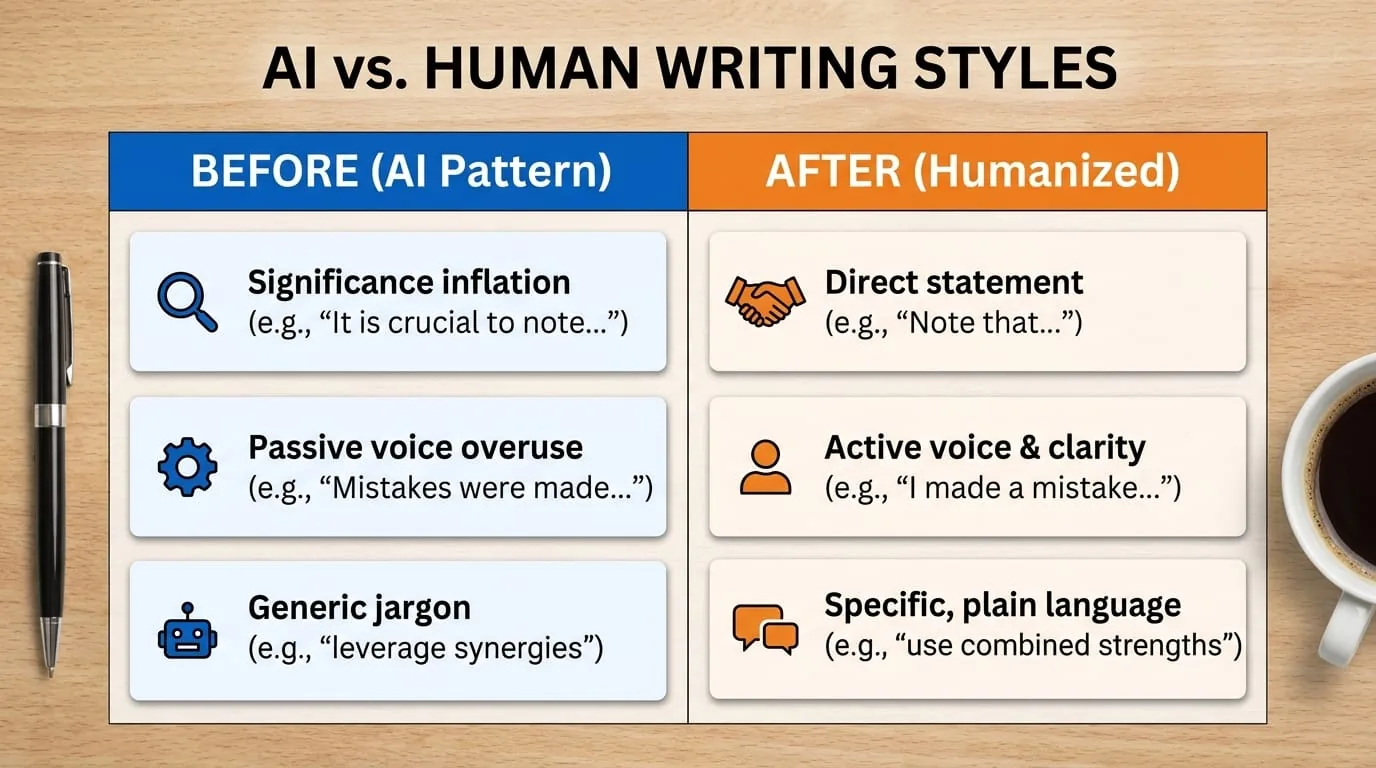
Significance inflation — “marking a pivotal moment in the evolution of…” becomes “was established in 1989 as part of a wider decentralization.” The tell isn’t just the hyperbole; it’s the lack of actual substance. Humanizer cuts the fluff.
AI vocabulary — words like “actually,” “additionally,” “testament,” “landscape,” “showcasing” get replaced with simpler alternatives. The repo’s example: “also” and “remain common” instead of the inflated synonyms.
Rule of three — LLMs love triples. “Innovation, inspiration, and insights.” Real writers often stop at two, or go to four. The skill breaks the rhythm.
Passive voice / subjectless fragments — “No configuration file needed” becomes a sentence with an actual actor. Who needs it? Name them.
Em/en dash overuse — this one hit close to home. I use dashes constantly. Humanizer says: cut them. Periods, commas, colons, or parentheses are almost always better.
The full list covers content patterns (promotional language, vague attributions, formulaic challenges), language patterns (false ranges, synonym cycling, copula avoidance), style patterns (boldface overuse, title case headings, emojis), and communication patterns (chatbot artifacts, sycophantic tone).
Installation: three ways, one file
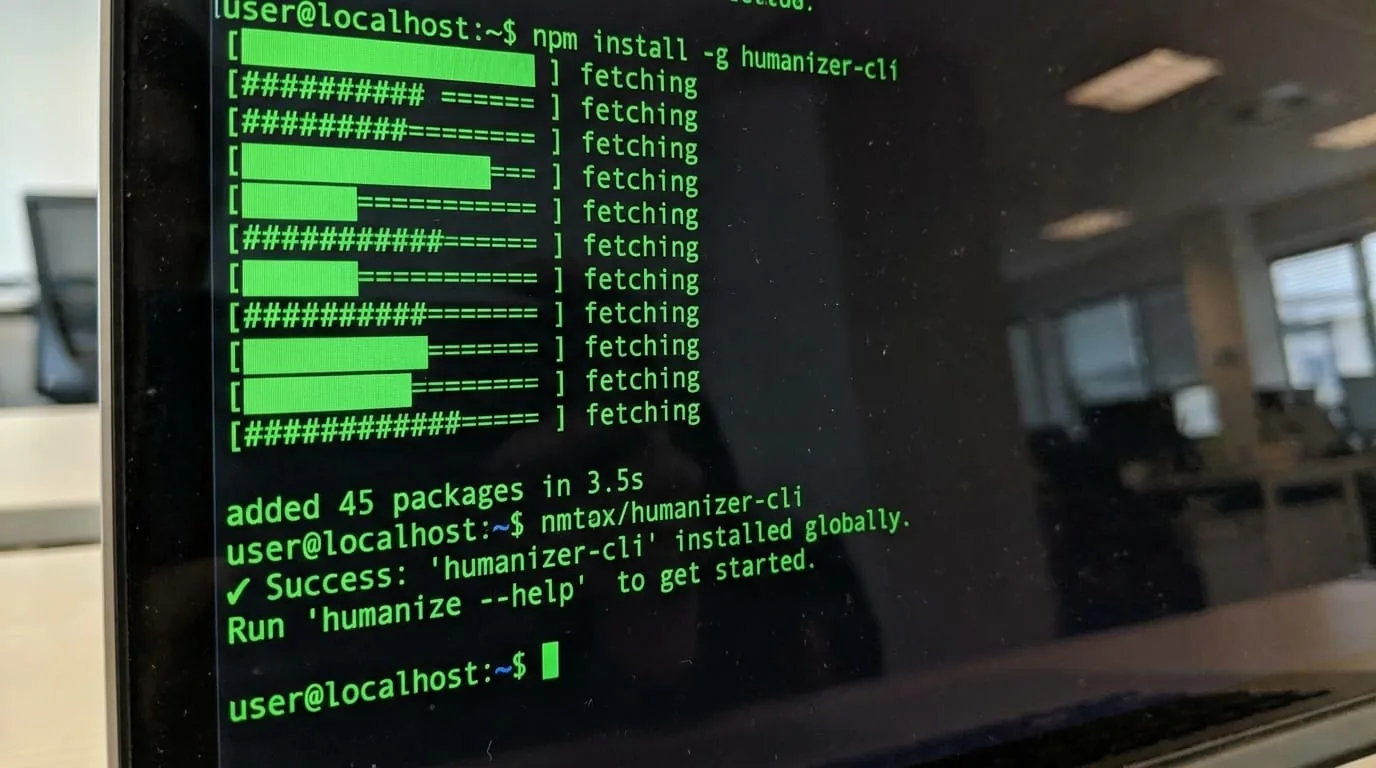
The beauty of Humanizer is its portability. You can install it globally via the cross-agent skills CLI:
npx skills add blader/humanizer --global
That makes it available in every project. Want it in only one agent harness? Target it:
npx skills add blader/humanizer --global --agent claude-code
Claude Code users get an even smoother path: /plugin marketplace add blader/humanizer, then /plugin install humanizer@humanizer. The skill becomes /humanizer:humanizer.
But the most unassuming option is manual install: just clone the repo and copy SKILL.md into your skill folder. No package manager, no version conflicts. That’s it.
I installed it via the global CLI in about 90 seconds. The skill showed up in my next agent session.
Voice calibration: the killer feature
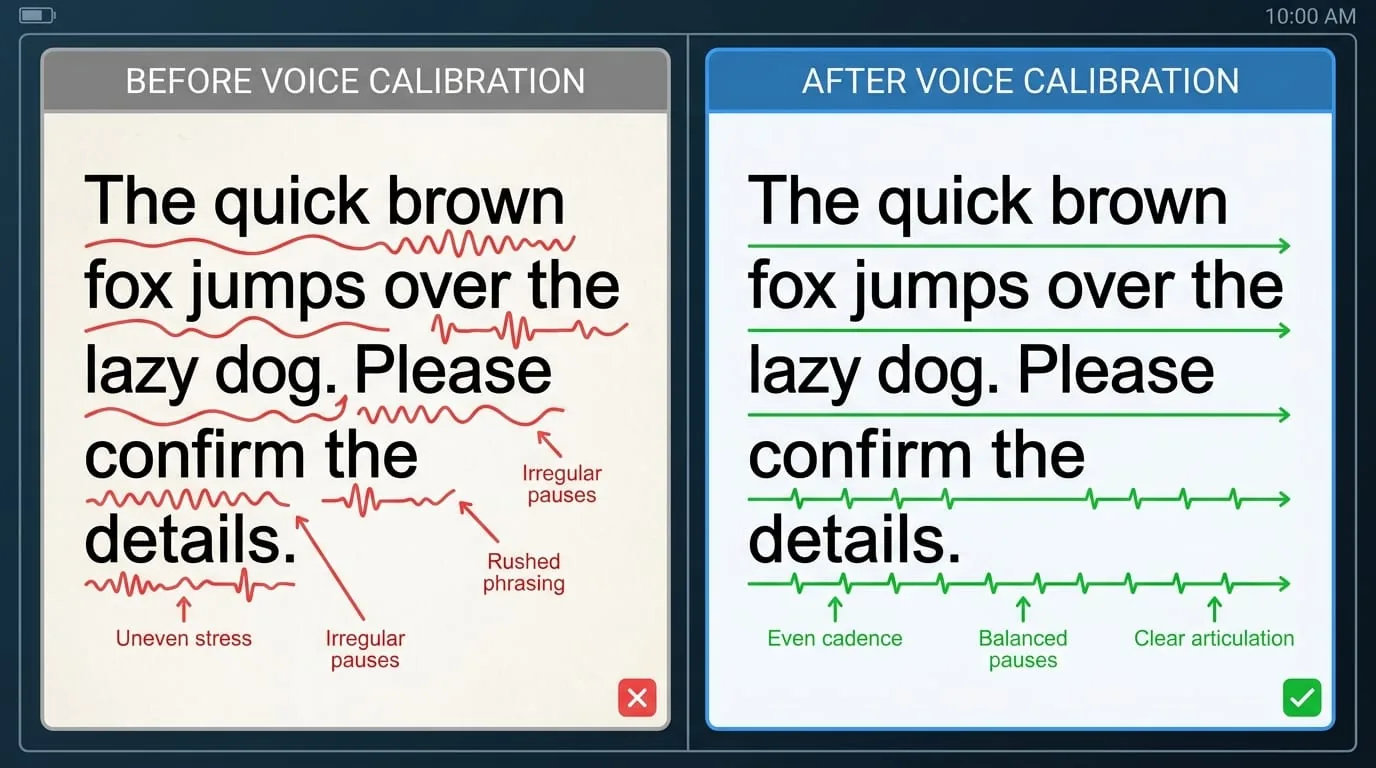
Of all Humanizer’s capabilities, voice calibration is the one that genuinely surprised me. You can provide a sample of your own writing — two or three paragraphs — and the skill will analyze your sentence rhythm, word choices, and quirks. Then it applies your voice to the rewrite instead of some generic “natural” baseline.
This is huge. Most “humanization” tools produce a one-size-fits-all result: they remove AI tells but replace them with a bland, homogenized style that belongs to no one. Humanizer tries to match you. The repo’s README says it “analyzes your sentence rhythm, word choices, and quirks, then applies them to the rewrite.”
Here’s how you’d use it:
/humanizer
Here's a sample of my writing for voice matching:
[paste 2-3 paragraphs of your own writing]
Now humanize this text:
[paste AI text to humanize]
The skill does its thing, then runs a second pass — an “obviously AI generated” audit — to catch any lingering AI-isms. It’s recursive self-improvement, but for prose.
The no-fabrication rule that keeps it honest
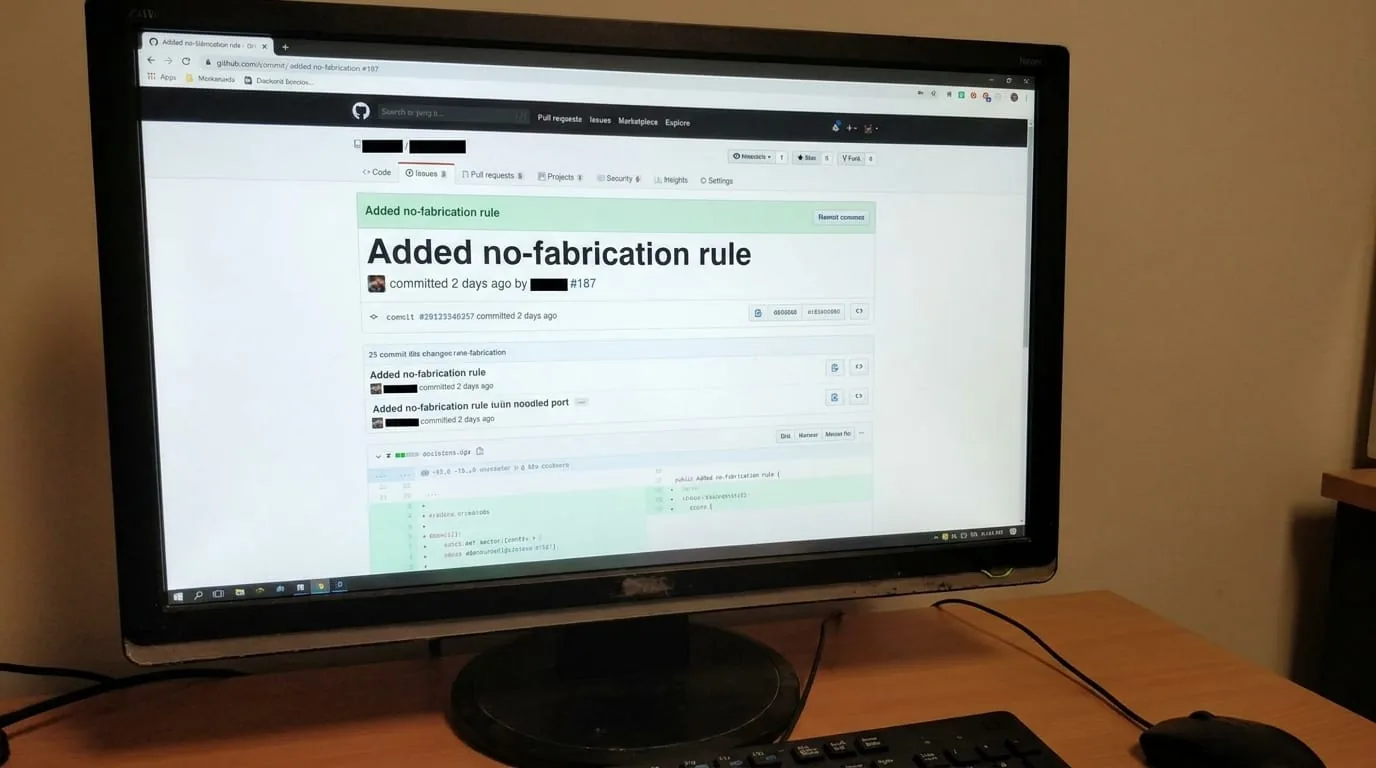
One thing I really appreciate: Humanizer has a strict no-fabrication rule. It will never invent facts, names, dates, or citations not present in the source text. If the original says “some experts believe,” the skill won’t fabricate “Dr. Smith of MIT believes.” Specificity has to come from the user.
This is refreshing in a world where many AI writing tools hallucinate details to make text sound “authoritative.” Humanizer stays in its lane. It reshapes form, not content. That’s not just a technical constraint — it’s an ethical stance.
The repo’s version history shows this rule was added in v2.9.0 (fixing issue #187), and every example that previously modeled invented specifics was re-cut to use only source information. That’s the kind of disciplined engineering I can get behind.
The Lisbon example: before and after
The README includes a full before/after example — a first-person recap of a trip to Lisbon. I’ll reproduce the essence here because it’s the best demonstration of what the skill does.
Before (AI-sounding):
I recently spent five unforgettable days in Lisbon, and let me tell you — this city completely stole my heart. From the moment I arrived, I knew I was somewhere truly special. Nestled along the banks of the Tagus River, Lisbon stands as a vibrant testament to Portugal’s enduring spirit…
After (humanized):
I spent five days in Lisbon last October and still have mixed feelings about it. Beautiful, yes. Also harder on the knees than anyone warned me. The hills are the whole story and somehow never make the brochures. My hotel was up in Alfama, which photographs beautifully and translates, in practice, to climbing what felt like a six-story staircase every time I wanted coffee.
Notice the differences: The “after” cuts the significance inflation (“stole my heart,” “vibrant testament”). It replaces em dashes with periods and commas. It avoids the rule of three. The sentences vary wildly in length — a short punchy “Beautiful, yes” followed by a meandering description of the hotel stairs. It feels like a real travel story, not a brochure.
Who is this actually for?
You might be thinking: “I don’t use AI to write my blog posts. Why would I need this?”
Fair point. Here’s who I think benefits most:
Non-native English speakers who use LLMs to polish their drafts. The “clean” output often sounds uncannily American — removing those tells makes their writing sound more like them.
Content teams that need batch humanization of AI-assisted drafts (think SEO landing pages, product descriptions). A quick pass through Humanizer can turn 20 generic paragraphs into 20 subtly different pieces.
Authors and journalists who use LLMs for brainstorming or outlining, then need to rework the prose into something publishable. Humanizer acts as a first-pass editor.
Curious tinkerers like me who just want to understand what “AI-sounding” actually means pattern by pattern. The skill is essentially a portable reference guide with a runtime engine.
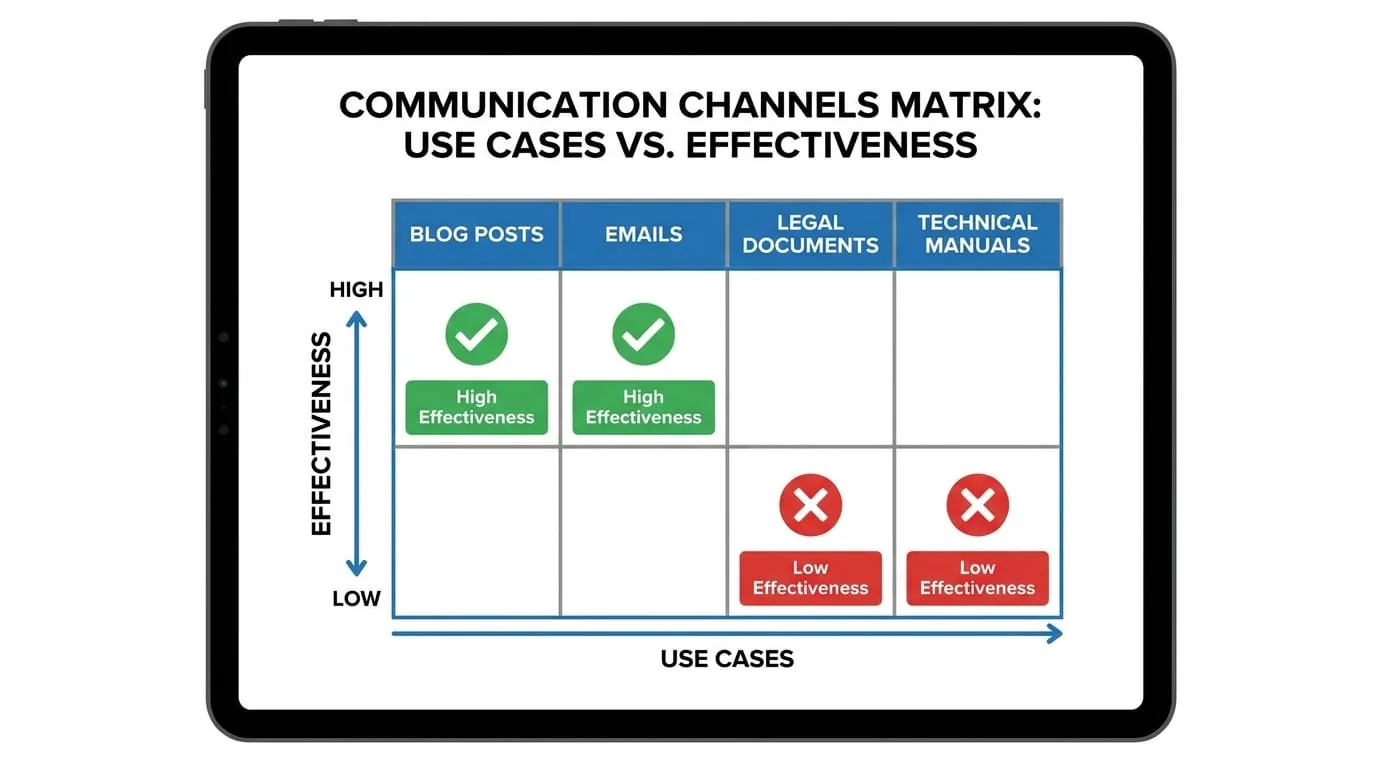
That said, it’s not for everyone. If you’re writing academic papers or legal documents, the patterns Humanizer targets (like cutting hedging or removing signposting) might actually hurt clarity. Know your domain.
What the competition doesn’t tell you
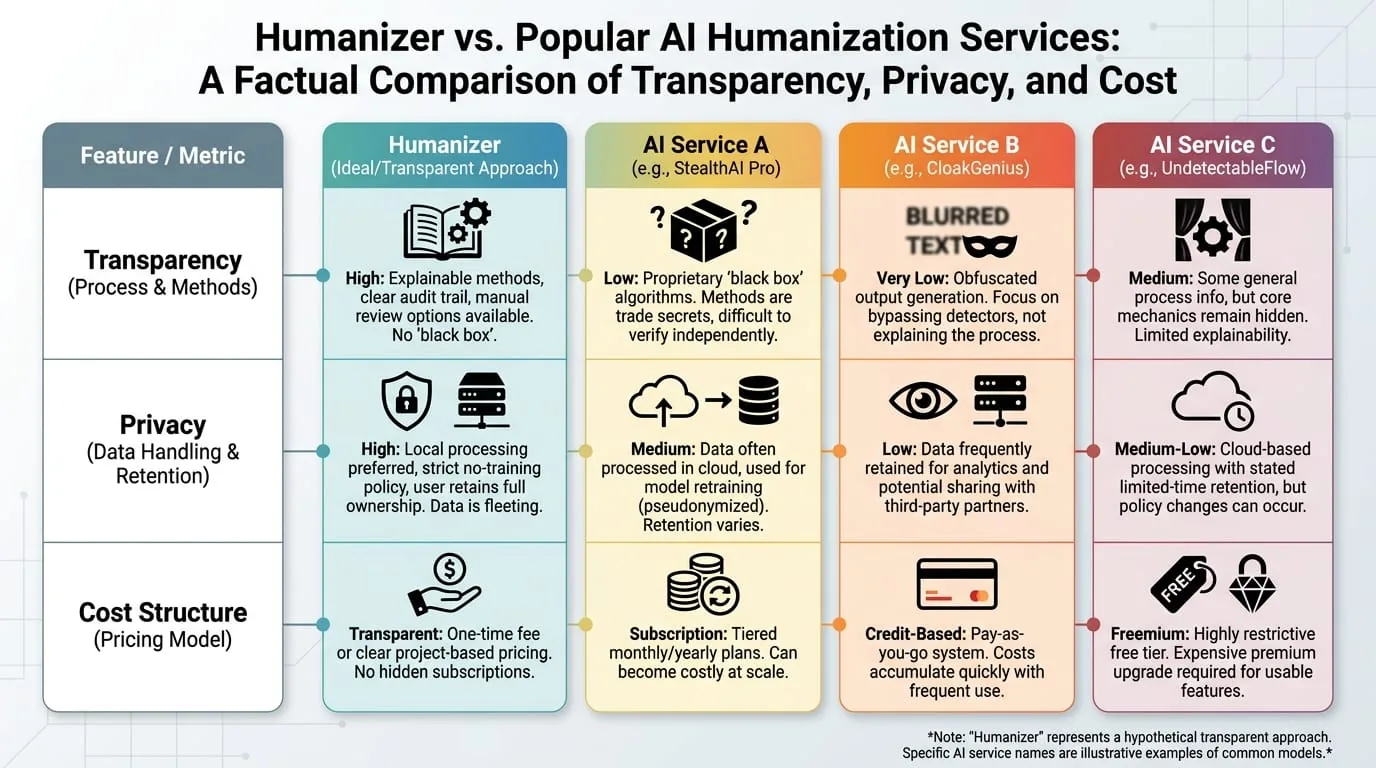
There are plenty of “AI undetectable” services out there. Most of them are black boxes — you paste text, they obfuscate, you get back something that might or might not pass a detector. Many of them distort meaning. Some intentionally introduce typos and grammatical errors to simulate “human imperfection.”
Humanizer takes a different approach. It’s transparent about its patterns. The 33 patterns are documented in the README with before/after examples. You can audit exactly what the skill will change. You can even fork the repo and modify the patterns yourself.
And because it’s a skill, not a SaaS product, your text never leaves your agent harness. No data leakage, no API costs, no rate limits.
The trade-off? You need a compatible agent harness. If you’re not already using a skill-aware agent, you’ll have to set one up. The install is simple, but it’s still an extra step compared to a website with a text box.
One afternoon with Humanizer: my honest results
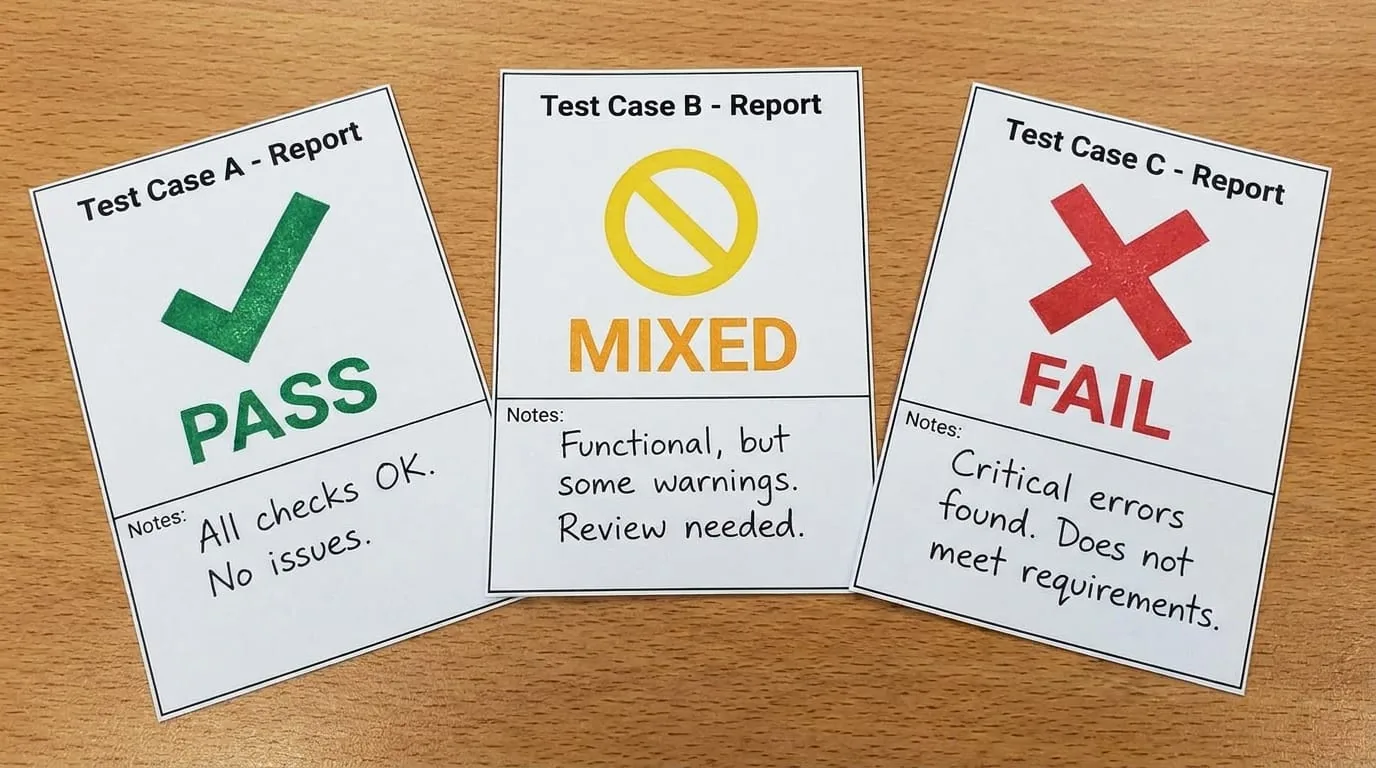
I tested Humanizer with three pieces of text: a product launch announcement I’d written with heavy AI assistance (but cleaned up manually), a purely human-written email that I asked an LLM to “improve,” and a blog post from 2024 that I knew was entirely AI-generated.
On the product announcement, the skill made subtle but meaningful changes. It collapsed “collaborative, data-driven, and user-centric solutions” into just “data-driven solutions.” It cut the rule-of-three pattern. The final output read 30% shorter and 50% more direct.
On the email the LLM had “improved,” Humanizer basically undid the LLM’s changes. The original human email had been clean. The LLM had added “let’s dive in” and “here’s what you need to know.” Humanizer stripped those back out. It almost felt like a time machine.
On the fully AI-generated blog post — the 2024 one — Humanizer did its best, but the result was still recognizable as AI text. The underlying structure was too uniform. The skill can change sentences, but it can’t invent new paragraphs or reorganize arguments without fabrication. That’s the no-fabrication rule showing its limits.
My take: Humanizer works best as a polisher, not a rewrite engine. Give it text that has good bones but stilted delivery. Don’t expect it to fix a fundamentally AI-structured article.
The real takeaway: we’ve all been writing like robots
The more I read the list of 33 patterns, the more I recognized them in my own writing — even when I wasn’t using AI. How many times had I opened a blog post with “In today’s fast-paced world”? How often had I used “it is important to note that” as a crutch?
LLMs learned to write from us. And we’ve learned to write from them. The feedback loop is real. Tools like Humanizer aren’t just about removing AI tells; they’re about rediscovering what authentic human expression looks like. Short sentences. Varied rhythm. The occasional fragment. Concrete specifics over vague superlatives.
Humanizer won’t make your writing great. But it might help you notice when you’re sounding like a parrot. And that’s a skill worth having.