The era of hand-crafting individual prompts for AI coding agents is ending. The real shift is toward designing persistent, automated loops that triage, execute, verify, and escalate—without you in the middle. Loop Engineering gives you the primitives, patterns, and a CLI to start today.
The People Who Build the Future Aren’t Prompting Anymore
I still remember the feeling of typing out a meticulous prompt for Claude Code, watching it generate a PR, and thinking: this is the peak of productivity. But there’s a problem. That peak doesn’t scale. Every time you start a new task, you’re back to the keyboard, crafting another prompt, another context window, another hour lost.
Then I stumbled across two quotes that stopped me cold.
Peter Steinberger, the guy behind PSPDFKit and a legend in the iOS world, said: “You shouldn’t be prompting coding agents anymore. You should be designing loops that prompt your agents.”
And Boris Cherny, who literally heads Claude Code at Anthropic, said: “I don’t prompt Claude anymore. I have loops running that prompt Claude and figuring out what to do. My job is to write loops.”
Think about that for a second. The person building the tool itself says they’ve moved past prompting. If the head of Claude Code doesn’t prompt, why should you?
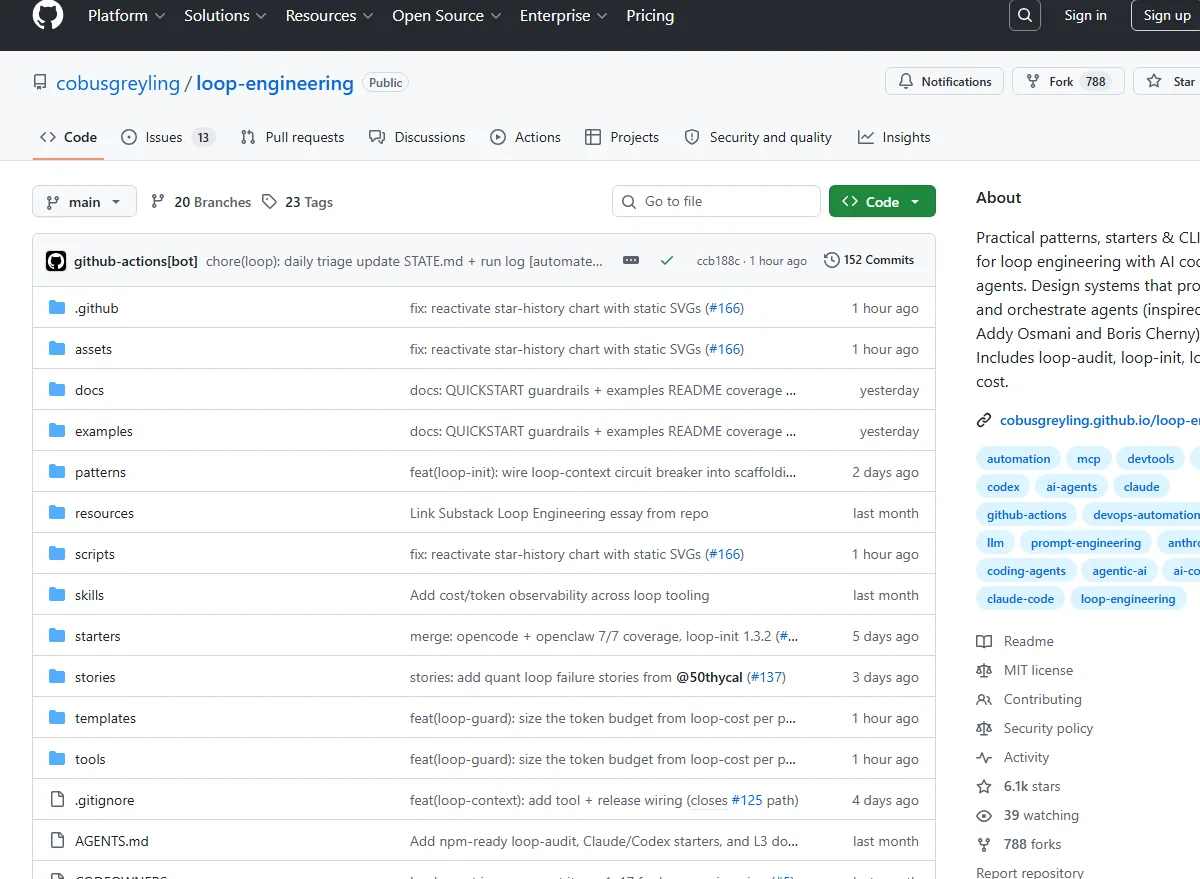
That’s where Loop Engineering comes in—a concept, a repository, and a growing community that redefines how we interact with AI coding agents. The repo lives at github.com/cobusgreyling/loop-engineering, and it’s not just another tool. It’s a playbook for a different mindset.
What Even Is a Loop? (And Why You Should Care)
Let’s be honest: the term “loop” gets thrown around a lot. In the Loop Engineering context, a loop is a self-contained, automated system that:
- Runs on a schedule (or triggered by an event)
- Uses a skill to decide what to do
- Reads and writes state (a durable memory that persists across runs)
- Operates in an isolated workspace so experiments don’t contaminate your main codebase
- Employs sub-agents that implement, verify, and escalate
- Taps into real tools via MCP (Model Context Protocol)
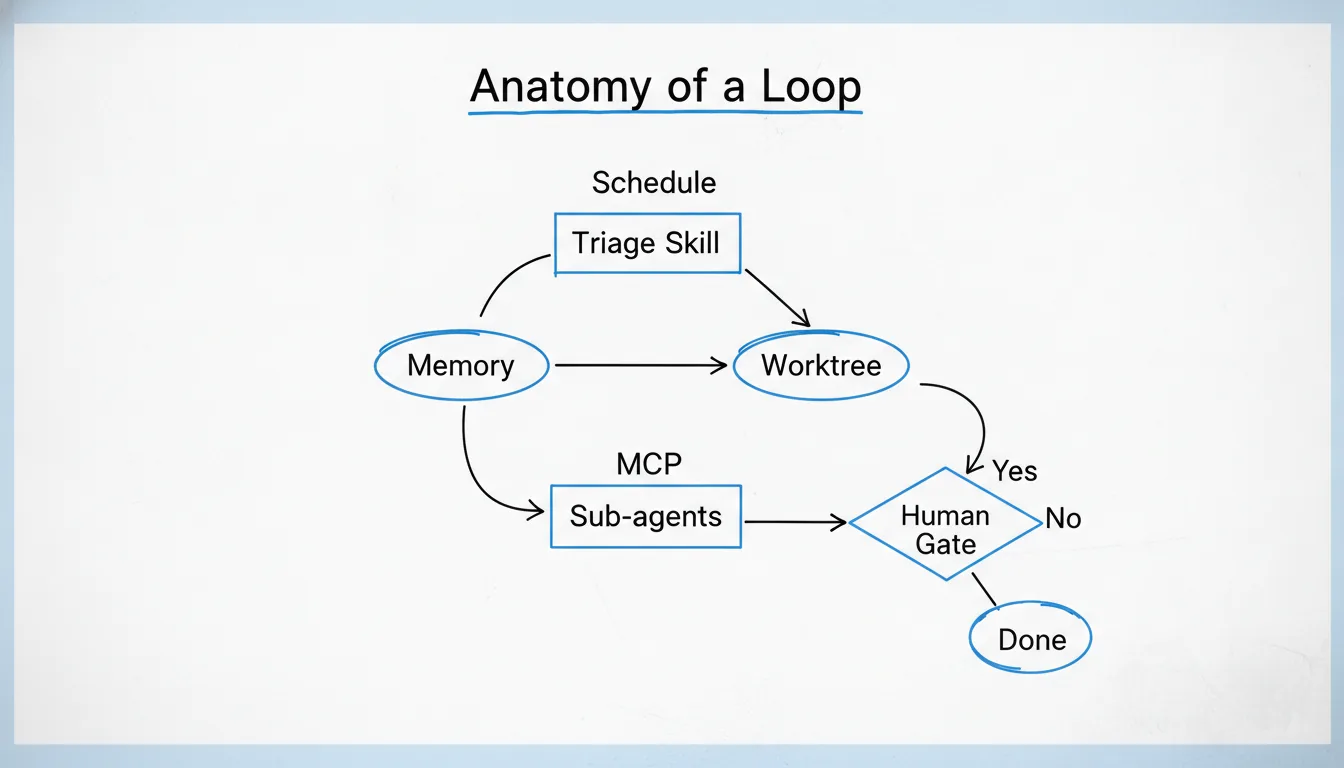
The repo breaks this down into five building blocks plus memory, and it’s beautifully concrete. You’re not reading abstract philosophy. You’re reading a blueprint.
The key insight: prompt engineering treats each interaction as a one-shot transaction. Loop engineering treats the whole process as a long-running, stateful system.
When I first wrapped my head around this, it felt like going from writing individual letters to designing a postal network. The leverage is completely different.
The Five Building Blocks That Make a Loop Tick
The repo lays out five primitives, each mapping to a concrete job in the loop:
-
Automations / Scheduling – The heartbeat. A cron job, a GitHub Action, a systemd timer. Something that kicks the loop off at the right cadence (every 2 hours? every time a PR is opened?).
-
Skills – Persistent project knowledge and decision logic. These are the “brains” of the loop—trained or prompted to understand your conventions, your style, your priorities.
-
Worktrees – Parallel, isolated Git worktrees where agents can run without conflicting. This is genius. You don’t want Claude experimenting on your
mainbranch. -
Plugins & Connectors – The reach into your actual tools: GitHub issues, Slack, Jira, your database. This is where MCP (Model Context Protocol) shines.
-
Sub-agents – The assembly line. A “maker” sub-agent implements, a “checker” sub-agent verifies, and a “human gate” decides whether to merge or escalate.
Plus, the Memory/State primitive sits outside any single conversation—a STATE.md file or a JSON ledger that the loop reads and writes on every run. No more “I told you in the last turn.” The loop knows.
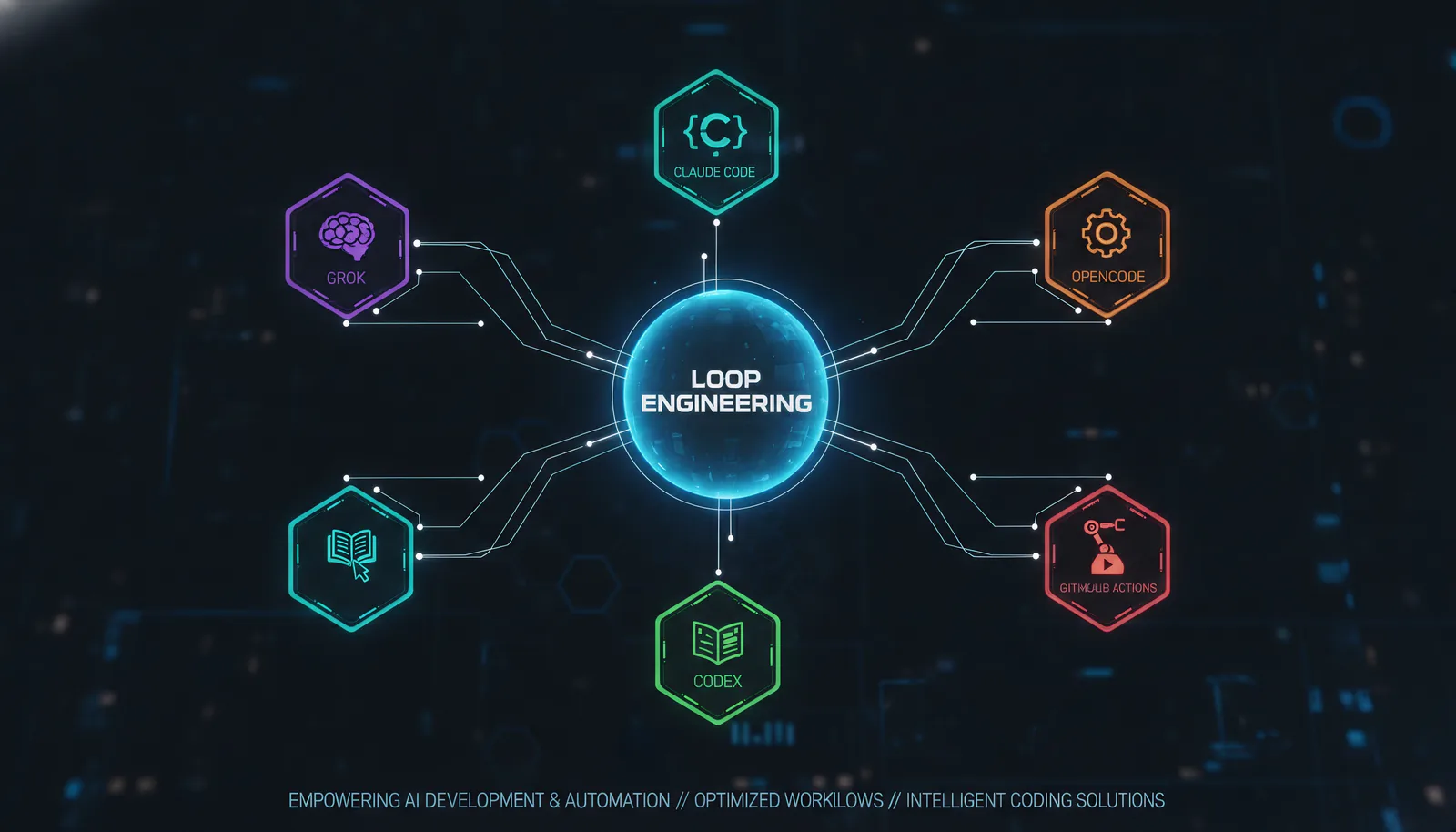
I can’t overstate how much this clarifies the architecture. The repo even provides a cross-tool primitives matrix that maps these blocks across Grok, Claude Code, Codex, and Opencode. It’s the kind of reference you bookmark and return to.
Just Run npx @cobusgreyling/loop-init . and Watch Magic Happen
Okay, I’m a sucker for a good CLI. The Loop Engineering repo ships with a suite of command-line tools that make the theory instantly practical.
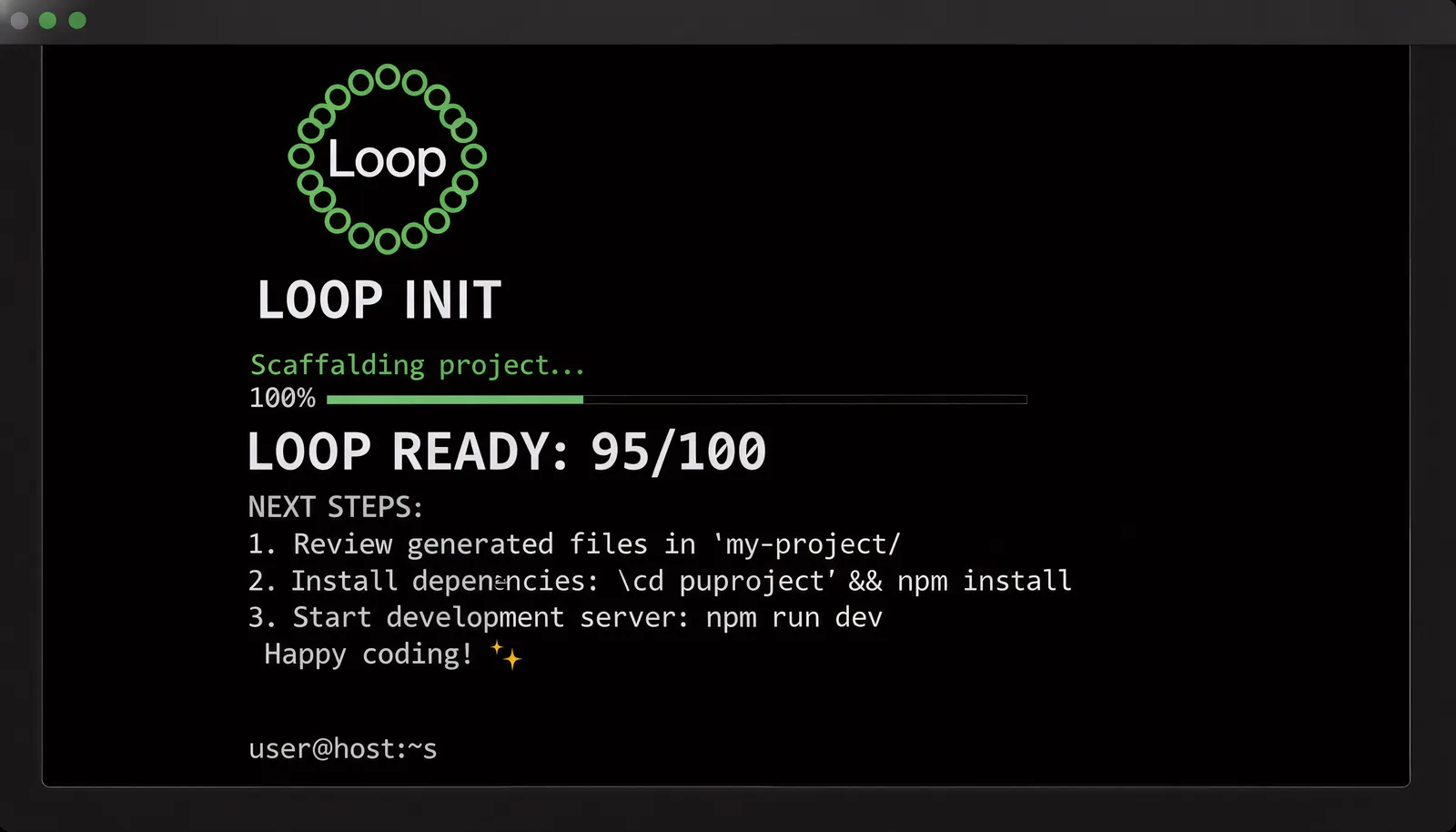
npx @cobusgreyling/loop-init . --pattern daily-triage --tool grok
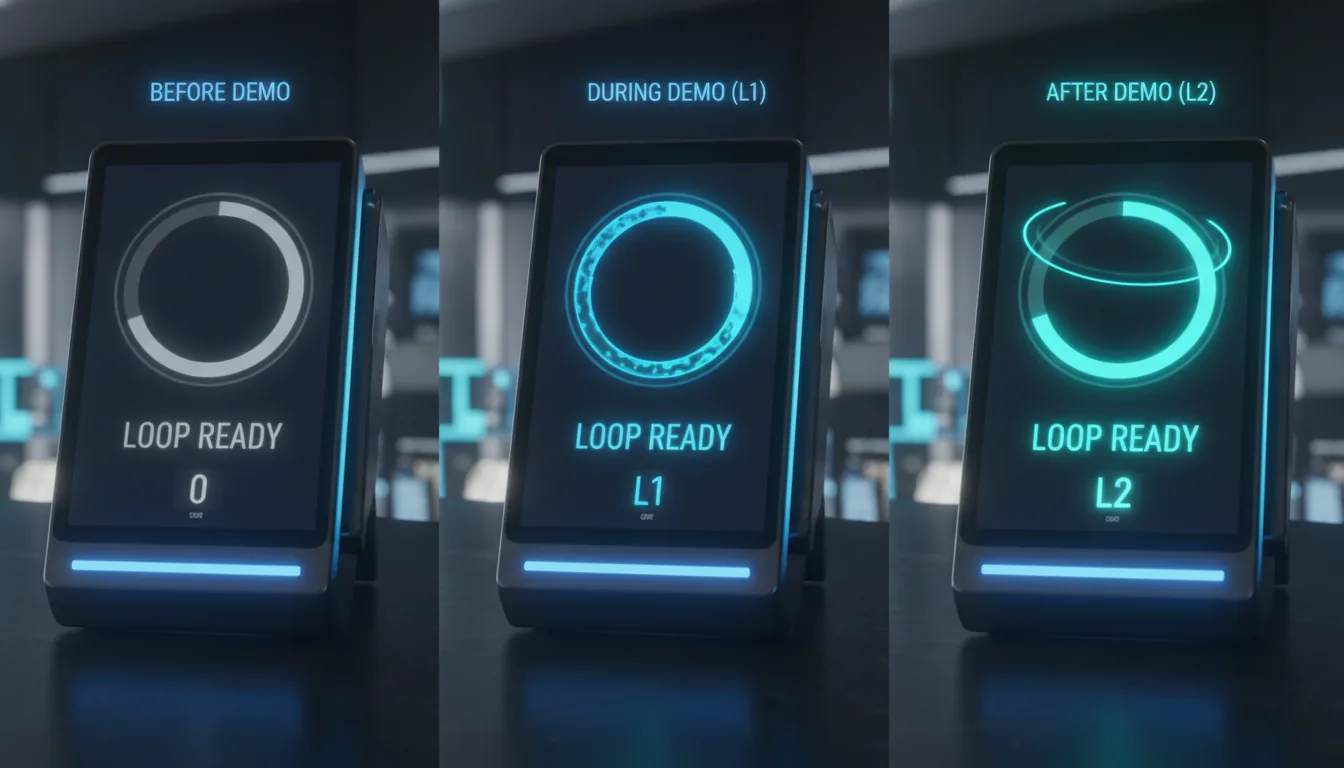
That single command scaffolds the starter files: a LOOP.md describing the loop, a STATE.md for persistent state, a budget file to track token spend, and even a Loop Ready score printed right to your terminal. You get a concrete score out of 10 (or whatever scale they use) that tells you how “loop-ready” your project is.
Then you run:
npx @cobusgreyling/loop-audit . --suggest
And the tool tells you what’s missing. Maybe you don’t have a worktree setup. Maybe your skill file is too vague. Maybe your human gate is too permissive. It guides you, step by step.
I tried this on a side project of mine—a small React app with a few microservices. The audit flagged that I had no re-triage mechanism and my state was buried in a single file with no versioning. I followed the suggestions, and within 20 minutes I had a loop running every 6 hours that checked for dependency updates, ran the tests, and opened a PR if everything passed.
Did it work perfectly? No. The first loop tried to update a library that broke the build. But the skill file caught it (because I’d told it to only propose, not merge) and escalated to me with the full context. No broken branch. No wasted time.
That’s the beauty: the loops are designed to be cautious at first. L1 means report-only. L2 means propose fixes. L3 means unattended. You escalate gradually as you gain trust.
Seven Patterns for Seven Common Pain Points
The repo doesn’t just give you a tool; it gives you battle-tested patterns. Seven of them, each with a specific cadence and risk level:
| Pattern | Cadence | Level | Risk |
|---|---|---|---|
| Daily Triage | 1d–2h | L1 | Low |
| PR Babysitter | 5–15min | L1 | High |
| CI Sweeper | 5–15min | L2 | Very high |
| Dependency Sweeper | 6h–1d | L2 | Medium |
| Changelog Drafter | 1d or tag | L1 | Low |
| Post-Merge Cleanup | 1d–6h | L1 | Low |
| Issue Triage | 2h–1d | L1 | Low |
I’ve been using the Issue Triage pattern on an open-source project I maintain. Before, I’d batch-process issues once a week. Now a loop runs every few hours, reads new issues, adds labels based on keywords, checks if a similar issue already exists, and proposes a response template. It doesn’t respond automatically (L1 report-only), but it saves me 30 minutes every Monday morning.
The PR Babysitter pattern is something I’d recommend to anyone who gets pull requests from unfamiliar contributors. It watches incoming PRs, runs the lint/tests, checks for merge conflicts, and escalates if something looks off. No more stale PRs sitting for two weeks.
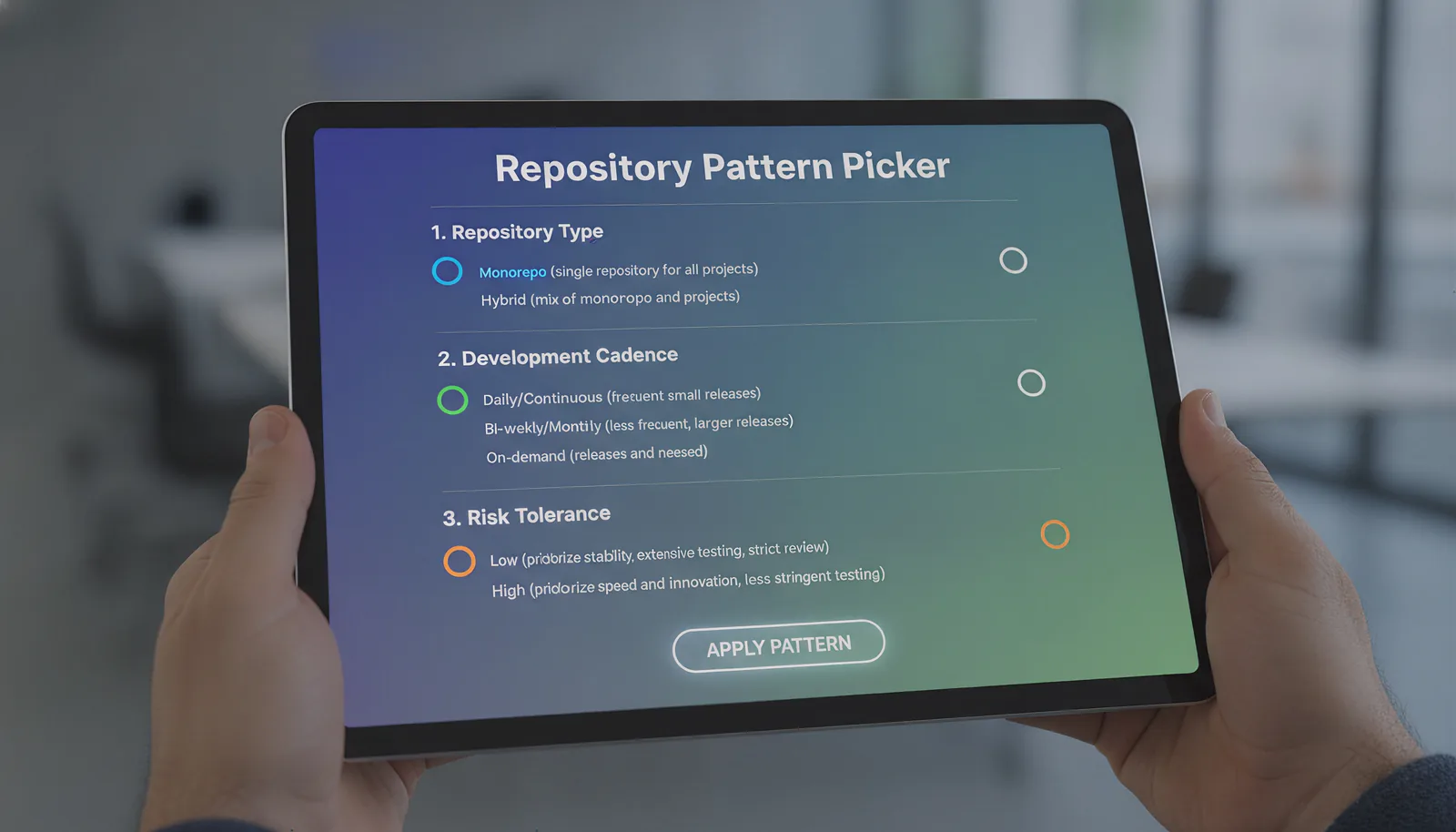
If you’re unsure which pattern fits your workflow, the repo includes an interactive pattern picker. Answer a few questions about your repo, your team size, your risk tolerance, and it suggests a starting point.
It Works Across All the Major Tools
One of the things that impressed me is the tool-agnostic design. Loop Engineering isn’t tied to a single vendor. You can use it with:
- Grok (via xAI’s API)
- Claude Code (Anthropic)
- Codex (OpenAI)
- OpenClaw (an open alternative)
- Opencode (vibe-coded by the community)
- GitHub Actions (as a CI/CD loop)
The repo provides examples for each, including CLI commands and configuration snippets. I especially liked the Opencode examples for cron-based loops—running a systemd timer that fires opencode run with a specific skill file. It’s minimal, predictable, and doesn’t require a cloud service.
There’s even an MCP server (loop-mcp-server) that you can run to make loop patterns available to any MCP-compatible client. Think of it as a runtime lookup for your loops—your agent can ask “what pattern should I use for this situation?” and get a tailored answer.
This matters because the ecosystem is splintering. Every tool has its own strengths and quirks. Loop Engineering abstracts over them with a common set of primitives. It’s like having a universal remote for all your AI agents.
The Hard Truth: Loops Amplify Both Good and Bad Judgment
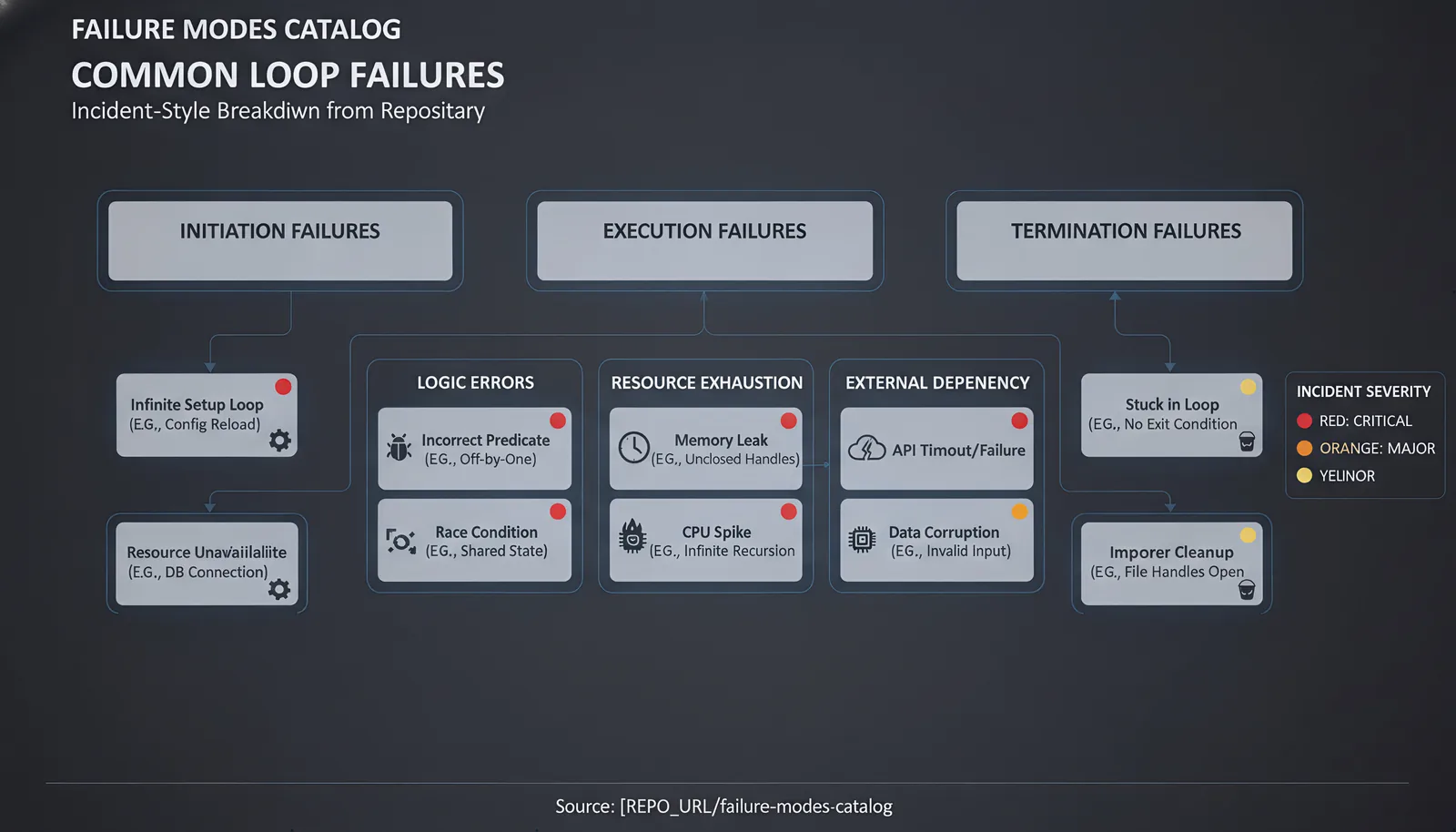
I’d be lying if I said loop engineering is all sunshine. The repo is refreshingly honest about the caveats. Let me quote directly:
“Loop engineering amplifies judgment — both good and bad. Token costs can explode with sub-agents and long-running loops. Verification is still on you. Unattended loops make unattended mistakes. Comprehension debt grows faster unless you read what the loop ships.”
I’ve felt this firsthand. The first time I set up a dependency sweeper, I didn’t include a spend budget. The loop ran every 6 hours, checked 200 packages, and each run cost about $0.80 in API calls. That’s $3.20 a day—almost $100 a month for a single loop. After adding a token cap via the loop-cost estimator, I reduced it to $0.20 per run.
Then there’s the “comprehension debt” problem. If you don’t read the PRs your loop generates, you lose context. The loop might make a technically valid change that violates your architecture. You need to stay involved. The repo even has a concept of “intent debt” and “comprehension debt” in the operating guide—worth reading before you go full unattended.
Addy Osmani, the Chrome team lead, put it well: “Build the loop. But build it like someone who intends to stay the engineer, not just the person who presses go.”
The Community Is Growing Fast—and Welcoming Contributors
As of July 4, the repo has 5,500+ stars and is growing. The traffic sources are split between GitHub, Hacker News, and the original Substack essay by Cobus Greyling. That’s a signal that the concept resonates.
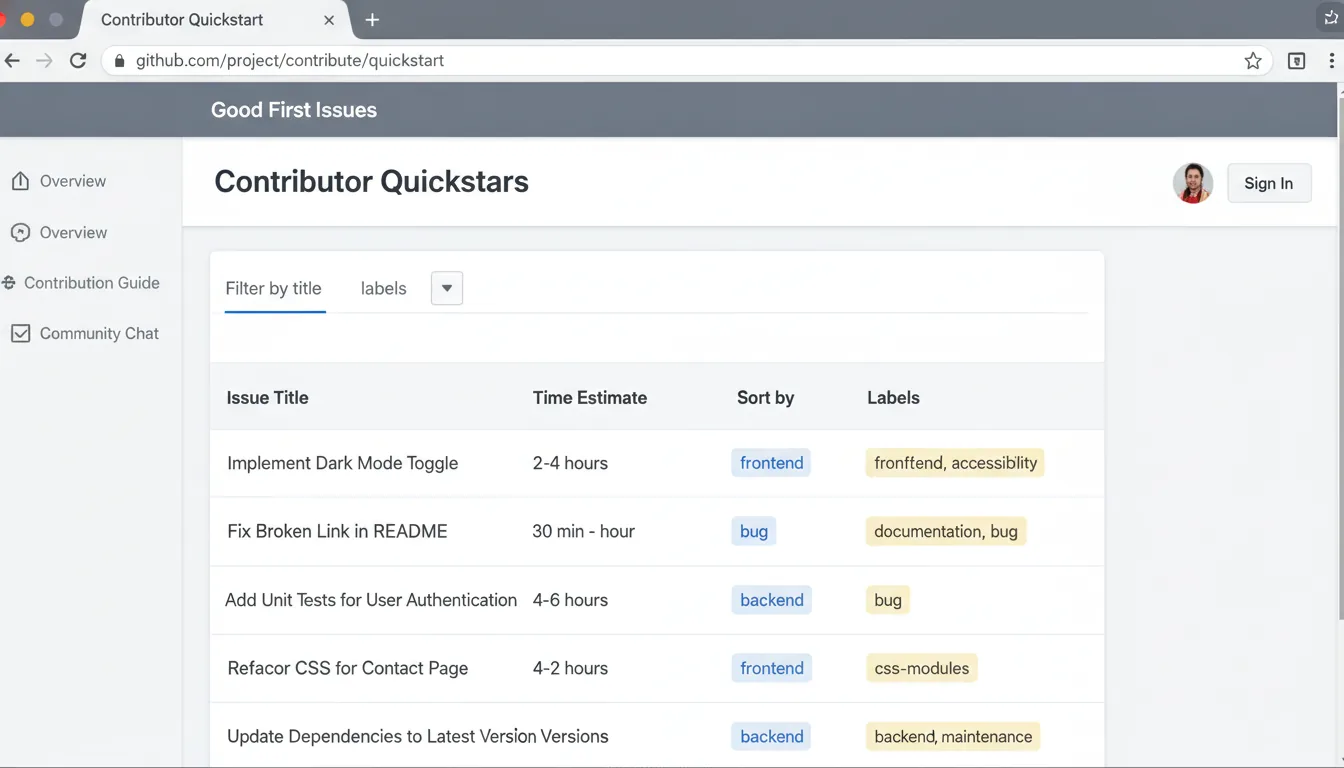
What I really appreciate is the contributor culture. There are 12 scoped good first issues, each with a time estimate (10 minutes to 1 hour). They’re tagged with things like #120 – Add your project to adopters or #118/#119 – failure stories welcome. You can comment “I’ll take this” and get assigned same-day.
This isn’t a “write docs” joke. It’s a genuine invitation to participate in shaping the ecosystem. If you’ve run a loop that broke something spectacularly, share your failure story. If you’ve built a pattern that works at scale, submit a PR to the patterns registry.
I contributed a small fix to the loop-audit CLI—a bug where the badge generation failed on Windows paths. It was merged within 24 hours with a kind thank-you. That kind of responsiveness makes me want to keep contributing.
The Bigger Picture: From Prompting to Systems Engineering
Let me zoom out. We’re witnessing a fundamental shift in the role of the developer. In the first wave of AI coding tools, we were prompt engineers—writing one-shot instructions to generate code snippets. In the second wave, we became loop engineers—designing autonomous systems that sustain themselves over time.
This is more than a tool change; it’s a career adaptation. The developers who thrive in the next five years won’t be the ones who write the best prompts. They’ll be the ones who design the most resilient, cost-effective, safe loops. They’ll understand state management, escalation policies, and budget constraints. They’ll treat their AI agents as components in a larger distributed system.
The Loop Engineering repo isn’t just a codebase; it’s a curriculum for this new skill set. It teaches you the primitives. It gives you the patterns. It provides the CLI to scaffold and score. And it includes honest warnings about the failure modes.
I genuinely believe this is one of the most important repositories in the AI dev tools space right now. Not because it’s flashy, but because it’s foundational. It answers the question: “What do I do after I’ve gotten tired of prompting?”
You design the loop.
Your First Loop in 5 Minutes (No Excuses)
If you’re still reading, do yourself a favor. Open a terminal in a project you own—could be a side project, a docs site, anything with a Git repo—and run:
npx @cobusgreyling/loop-init . --pattern daily-triage --tool grok
(If you don’t have Grok, swap grok for claude or codex.)
You’ll see the scaffolded files appear. You’ll get your Loop Ready score. Then run:
npx @cobusgreyling/loop-cost --pattern daily-triage --level L1
That’ll tell you approximately how much this loop will cost per day. If it’s too high, adjust the cadence or reduce the tool’s max tokens.
Then run the first loop. If your tool supports it, execute the command printed at the end of the loop-init output.
After a few runs, run:
npx @cobusgreyling/loop-audit . --suggest
And watch your score climb as you fix the gaps.
I’m not saying you’ll replace your entire workflow overnight. But you’ll understand the shift. And you’ll never go back to writing prompts one by one again.
The Loop Knows. But You Know Better.
The repo’s tagline haunts me a little: “The loop doesn’t know. You do.”
It’s a reminder that automation is a tool, not a crutch. Loops can triage, implement, verify. But they can’t understand your business context, your team’s politics, your long-term architectural vision. That’s still on you.
So build the loop. But stay the engineer. Read the PRs it generates. Adjust the skills when they drift. Monitor the token spend. And when something goes wrong—because it will—treat it as a learning opportunity, not a failure.
Loop engineering is the next evolution of how we work with AI. The repo is your entry point. The community is your support system. And the only thing stopping you is the belief that you should keep prompting.
Stop prompting. Start designing.